High-quality images are essential for websites, social media, online applications, blogs, and digital marketing. However, uploading images with incorrect dimensions or large file sizes can slow down your website, reduce user experience, and even affect your search engine rankings.
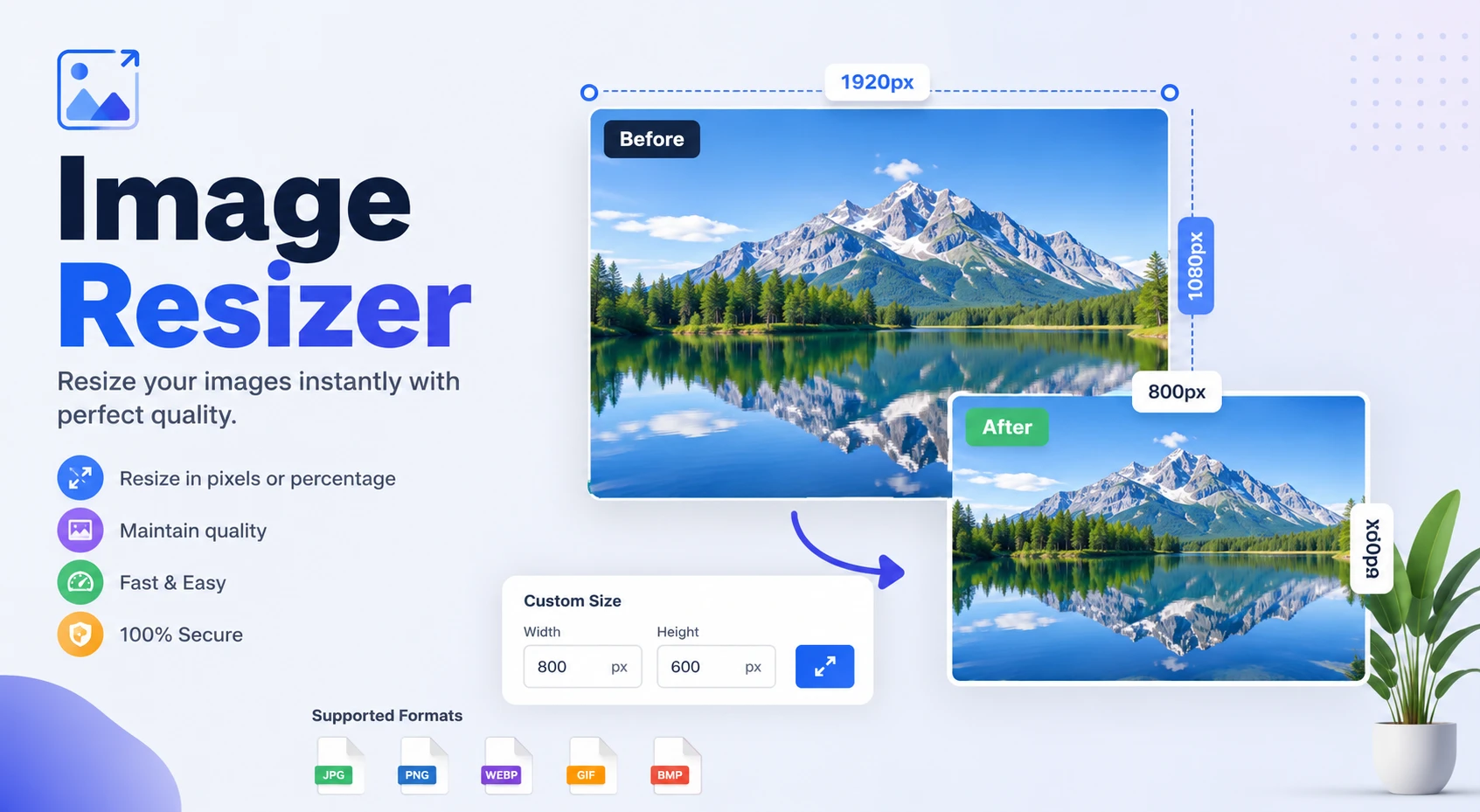
The Free Online Image Resizer Tool by Deep Mega Tools allows you to resize images quickly without compromising quality. Whether you need to adjust image dimensions, crop photos, change DPI, reduce file size, apply filters, or convert image formats, this all-in-one tool makes the entire process simple and efficient.
Supporting popular formats including JPG, JPEG, PNG, WEBP, GIF, BMP, and SVG, our tool works seamlessly across desktops, tablets, and smartphones. No software installation or registration is required—simply upload your image, customize the settings, and download the optimized version within seconds.
🎨 Image Resizer
Image Upload & Presets
✨ Drag & Drop anywhere or Ctrl+V to Paste image
🎨 Image Filters & Adjustments
Presets:
Adjust:
🖼️ Before / After Preview
Original
After Edits
📷 Format: —
📏 Original Size: — x — px
💾 File Size: —
🔍 Live Final Size (Auto-updates)— KB
✂️ Crop Controls⚫ Crop: OFF
Crop Box: 0 x 0 px
💡 Leave empty to use auto-generated name
0°
💡 Tip: Enable Crop first, then drag the crop box → Click "Apply Crop" → Resize/Filters work on cropped image! ✨ Cropper handles are now fully rounded (8-point circular) for easy dragging. 🎨 All filters: Normal, Grayscale, Sepia, Hue Rotate, Saturation, Blur, Invert, Warmth, Vintage, Noir, Pastel, Duotone, Solarize, Posterize, Emboss, Sharpen, Vibrance, HDR, Cross Process, Lomo, Fade + 13 adjustment sliders.
What Is an Image Resizer Tool?
An Image Resizer Tool is an online application that lets you change the dimensions of an image without needing professional editing software. You can adjust the width and height, maintain the aspect ratio, optimize the file size, and prepare images for websites, social media, online forms, or printing.
The Deep Mega Tools Image Resizer goes beyond basic resizing. It includes advanced editing features such as image cropping, rotation, DPI adjustment, quality control, filters, custom file names, target file size, and multiple output formats—all within a fast, browser-based interface.
Because everything is processed directly in your browser, there's no need to install software or create an account. Simply upload your image, make the necessary adjustments, and download the optimized version in seconds.
Why Should You Resize Images?
Resizing images is important for both performance and usability. Large images increase loading time, consume more bandwidth, and can negatively affect your website's SEO. Properly optimized images improve user experience, load faster, and meet the size requirements of different online platforms.
Whether you're uploading a profile picture, creating social media content, publishing a blog post, or submitting documents online, resizing your images ensures the best possible quality while keeping file sizes manageable.
Improve website loading speed.
Enhance Google SEO performance.
Boost Core Web Vitals scores.
Reduce image file size without noticeable quality loss.
Meet social media image size requirements.
Prepare images for online application forms.
Save storage space on your device.
Create a better user experience across all devices.
Powerful Features of Our Free Image Resizer Tool
Unlike many basic online image resizing tools, Deep Mega Tools provides a complete image editing experience with professional-grade features designed for everyday users, developers, bloggers, students, photographers, and digital marketers.
📐 Custom Width & Height
Resize your image by entering custom width and height values in pixels while maintaining complete control over the final dimensions.
🔒 Aspect Ratio Lock
Keep your images proportional by locking the aspect ratio, preventing stretching or distortion during resizing.
✂️ Smart Image Cropping
Crop unwanted areas and focus only on the most important part of your image before downloading.
🎨 Built-in Image Filters
Enhance your images using filters such as Brightness, Contrast, Saturation, Grayscale, Blur, and other visual adjustments.
🔄 Image Rotation
Rotate images by 90°, 180°, or 270° with a single click to correct orientation instantly.
🖼️ Multiple Output Formats
Download your resized image in several popular formats, including:
JPG
JPEG
PNG
WEBP
GIF
BMP
SVG
⭐ Image Quality Control
Adjust compression levels to balance image quality and file size according to your specific requirements.
🖨️ DPI Adjustment
Modify image resolution for digital use or high-quality printing by selecting the appropriate DPI value.
📦 Target File Size
Need an image under 20 KB, 50 KB, 100 KB, or another specific size? Our Target File Size feature helps optimize your image for document uploads and online application forms.
📁 Custom File Name
Rename your file before downloading to keep your images organized and SEO-friendly.
⚡ Fast Processing
Advanced browser technology processes your images quickly, allowing you to download optimized files within seconds.
🔐 Privacy Protection
Your images are processed securely in your browser. We do not permanently store or share your uploaded files, helping protect your privacy.
📱 Fully Responsive
The Image Resizer Tool works perfectly on desktops, laptops, tablets, Android phones, and iPhones without requiring additional software.
How to Use the Image Resizer Tool
Resizing an image with Deep Mega Tools is simple and takes only a few seconds. Follow these steps to optimize your images without compromising quality.
Click the Upload Image button and select an image from your device.
Choose a preset size if you're resizing for social media platforms such as Instagram, Facebook, YouTube, LinkedIn, or X (Twitter).
Crop the image if you want to remove unwanted areas before resizing.
Apply filters such as Brightness, Contrast, Saturation, or Grayscale if needed.
Enable Aspect Ratio Lock to keep the image proportions unchanged.
Enter your preferred Width and Height in pixels.
Select the output format, including JPG, PNG, WEBP, GIF, BMP, or SVG.
Adjust the image quality to achieve the right balance between quality and file size.
Change the Resolution (DPI) if you're preparing the image for printing.
Set a Target File Size if your image must meet upload requirements such as 20 KB, 50 KB, or 100 KB.
Rotate the image if necessary.
Rename the file before downloading.
Click Download Image to save the optimized version to your device.
What Is Aspect Ratio?
Aspect Ratio is the proportional relationship between an image's width and height. Maintaining the correct aspect ratio ensures that your image looks natural and does not appear stretched or distorted after resizing.
For most resizing tasks, keeping the aspect ratio locked is highly recommended. This preserves the original proportions while adjusting the overall dimensions.
Common Aspect Ratios
Aspect Ratio
Best For
1:1
Instagram Posts, Profile Pictures
4:3
Digital Cameras, Presentations
16:9
YouTube Thumbnails, Videos, Widescreen Displays
3:2
DSLR Photography
9:16
Instagram Stories, YouTube Shorts, TikTok Videos
21:9
Ultra-Wide Banners and Monitors
Why Image Resizing Matters for SEO
Optimized images are an important part of technical SEO. Large image files slow down websites, increase bandwidth usage, and negatively affect Core Web Vitals. Properly resized images improve loading speed and provide a better browsing experience for visitors.
Improves website loading speed.
Enhances Core Web Vitals performance.
Helps reduce bounce rates.
Supports better Google Search rankings.
Improves mobile page performance.
Reduces server bandwidth usage.
Creates a faster and smoother user experience.
Makes image optimization easier for search engines.
Recommended Social Media Image Sizes
Using the correct dimensions helps your images appear sharp and professional across different social media platforms.
Platform
Recommended Size
Instagram Post
1080 × 1080 px
Instagram Story
1080 × 1920 px
Facebook Post
1200 × 630 px
YouTube Thumbnail
1280 × 720 px
YouTube Shorts Thumbnail
1080 × 1920 px
LinkedIn Post
1200 × 627 px
X (Twitter) Post
1600 × 900 px
Pinterest Pin
1000 × 1500 px
WhatsApp Status
1080 × 1920 px
Best Practices for Image Optimization
Follow these recommendations to achieve the best balance between image quality, loading speed, and SEO performance.
Use the WEBP format whenever possible for better compression.
Keep file sizes as small as possible without noticeable quality loss.
Use descriptive file names that include relevant keywords.
Add meaningful ALT text to improve accessibility and image SEO.
Use responsive images for different screen sizes.
Avoid uploading unnecessarily large images.
Use 72 DPI for web images and 300 DPI for print projects.
Preview your image before downloading.
Maintain the original aspect ratio whenever possible.
Choose the correct image format based on your needs.
Frequently Asked Questions (FAQs)
Is this Image Resizer Tool completely free?
Yes. The Image Resizer Tool by Deep Mega Tools is 100% free to use. You can resize images online without creating an account or paying any subscription fees.
Will resizing reduce image quality?
Our tool is designed to preserve image quality while resizing. You can also adjust the quality level manually to achieve the best balance between file size and visual appearance.
Which image formats are supported?
The tool supports popular image formats including JPG, JPEG, PNG, WEBP, GIF, BMP, and SVG.
Can I resize images on my mobile phone?
Absolutely. The tool is fully responsive and works smoothly on Android phones, iPhones, tablets, laptops, and desktop computers.
Do I need to install any software?
No. Everything works directly in your web browser. Simply upload your image, resize it, and download the optimized version.
Are my uploaded images secure?
Yes. Your privacy is important to us. Images are processed securely, and we do not permanently store or share your uploaded files.
Deep Mega Tools is a free online platform developed by a team of experienced full-stack developers and SEO specialists at Premi Coding. Our mission is to help users perform everyday digital tasks quickly and efficiently—from image editing and SEO utilities to PDF tools, QR Code generators, developer tools, and productivity solutions.
With a strong focus on performance, privacy, and usability, our tools are trusted by thousands of bloggers, web developers, digital marketers, and students worldwide. We are committed to delivering fast, secure, and easy-to-use online tools that require no installation or registration.
Conclusion
Whether you're a blogger, web developer, student, designer, photographer, content creator, or digital marketer, optimizing images is an essential part of your workflow. Properly resized images improve website performance, enhance user experience, and meet the requirements of websites, social media platforms, and online applications.
The Free Online Image Resizer Tool by Deep Mega Tools combines powerful features—including image resizing, cropping, rotation, filters, DPI adjustment, target file size, quality control, and multiple output formats—into one fast and user-friendly solution.
If you're looking for a reliable, secure, and easy-to-use online image resizer, Deep Mega Tools has everything you need to resize and optimize images in just a few clicks.
Resize Your Images Online — Fast, Free, and Secure
Upload your image, customize the dimensions, apply edits, and download a perfectly optimized image within seconds. No installation, no watermark, and no registration required.

Recommended Social Media Image Sizes
Using the correct dimensions helps your images appear sharp and professional across different social media platforms.